


Direct the edit.
Cuts, B-roll, animations and music. Ask for a first draft, then refine it in the editor.
Try asking
Cut the retakes. Add B-roll where it helps the story.
Let Claude or Codex do the editing.
You make the final cut.
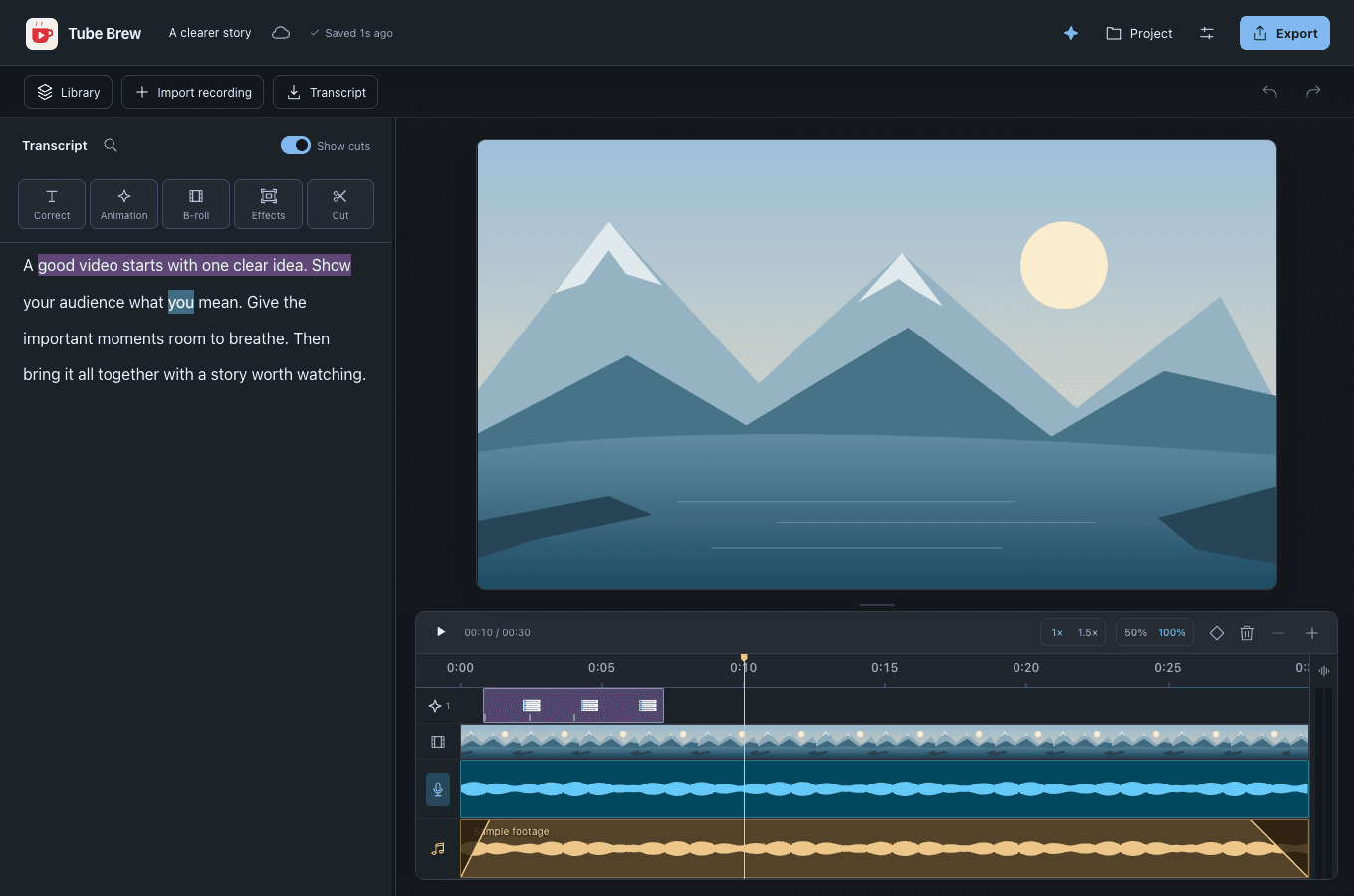
Actual app · example workflow
Cuts, B-roll, animations and music. Ask for a first draft, then refine it in the editor.
Cut the retakes. Add B-roll where it helps the story.
Your AI can use Tube Brew’s editing tools. Changes land in your project, ready to review or undo.

Give your AI instructions for your workflow and your own APIs—from financial data to maps.
USD · billed monthly · cancel anytime
Get Tube BrewPrivate testing · live payments disabled · Mac download available
Connected AI usage is separate and uses your account’s credits or allowance.
Connect Claude or Codex to Tube Brew through MCP, then describe the edit in your AI chat. It can work with the transcript, make cuts, add B-roll and music, and create or refine animations. Review the draft in Tube Brew, make your own adjustments, or undo changes.
Add a text or Markdown file with instructions for your workflow, style or an API you use. Your connected AI can read it and use its available tools to fetch data and create visuals—for example, a financial chart or a map. You supply the API access and any required tools; those data services are not included with Tube Brew.
Yes. Give your AI saved project references, animation styles and skills as guidance. It can use those examples when building a new draft. You can review and refine the result before exporting.
AI editing uses your own Claude or Codex account and its credits or allowance, separate from Tube Brew. You can also edit without AI: transcription, cuts, captions, playback and export work locally after the speech models are downloaded. Connected AI requires internet access.
Tube Brew is in private testing. Approved testers can sign in to see available downloads and system requirements. Public sales are not open yet.